
WHAT YOU NEED TO KNOW
Starting your classic gaming journey in 2026 is easier than ever, thanks to a mature market of modern handhelds and highly accurate software emulators.
- You can start retro gaming for $0 using a PC or smartphone you already own to run classic emulation software.
- Dedicated Linux and Android handheld devices cost between $50 and $300 and offer excellent out-of-the-box performance.
- Original consoles require hardware maintenance, but flash cartridges allow you to play thousands of games on actual microchips for under $150 per system.
Your final choice depends entirely on whether you prefer the tactile authenticity of original physical consoles or the sheer convenience of modern digital emulation.
How Do I Start My Beginners Guide to Retro Gaming Journey?
Deciding how to start retro gaming comes down to choosing between original physical systems and modern emulation. I have spent thousands of hours testing both paths, and each side offers unique benefits. This retro gaming intro will help you navigate the landscape so you can avoid wasting money on unnecessary hardware.
Your path generally splits into three distinct directions depending on your budget and technical patience. You can choose to go the authentic route, opt for a portable emulator, or simply use your current computer. Here is how you should evaluate your entry point:
- The Purist Path: This involves buying original consoles, hooking them up to older screens, and collecting original cartridges.
- The Portable Path: This utilizes dedicated handheld devices that run thousands of games from a single memory card.
- The Software Path: This relies on free software installed on your existing desktop, laptop, or mobile phone.
Option 1: Playing on Original Hardware
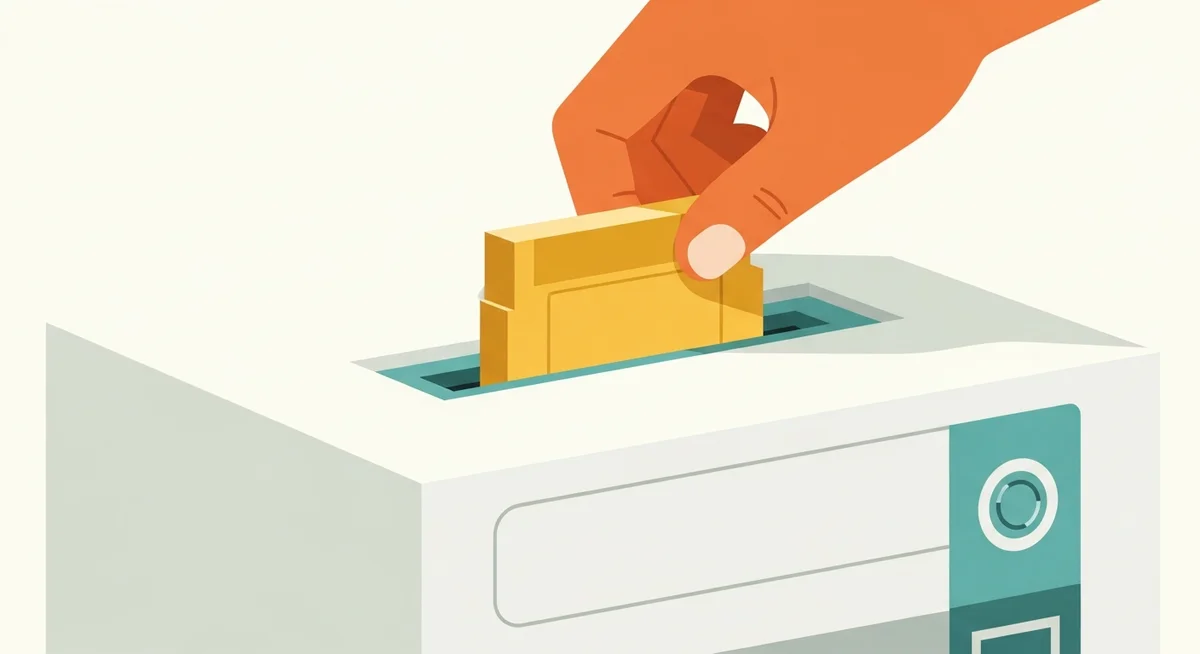
There is nothing quite like the feeling of clicking a real plastic cartridge into a console power slot. Playing on original silicon offers zero input lag and absolute compatibility with every game designed for that system. However, keeping decades-old electronics running requires some planning and occasional maintenance.
Consoles and Controllers
Buying an original Nintendo Entertainment System or Sega Genesis is the most direct way to experience gaming history. You will want to look for refurbished consoles from reputable local game stores or verified online sellers to ensure the internal capacitors have been tested. Original controllers offer the exact tactile feedback developers intended, though you can also buy high-quality wireless replacements from companies like 8BitDo. When I plugged an original controller into a refurbished Super Nintendo, the immediate, clicky response of the d-pad felt vastly superior to most modern analog sticks.
Connecting old controllers directly to modern devices requires special low-latency USB adapters. Brands like Raphnet produce incredible adapters that translate the original proprietary controller signals to standard computer inputs without adding annoying delays. For the most authentic feel, I recommend sourcing original controllers and using these premium adapters rather than settling for cheap Bluetooth knockoffs.
Flash Carts and Optical Drive Emulators (ODEs)
Collecting physical games in 2026 can get incredibly expensive, which is why flash cartridges are essential for real hardware users. A flash cart is a special cartridge with a slot for a microSD card, letting you load your legally backed-up ROM (Read-Only Memory) files directly onto the system. For disc-based consoles like the Sega Saturn or PlayStation 1, you can install an ODE (Optical Drive Emulator) to replace the failing laser drive with a modern solid-state card reader. These tools allow you to preserve your physical game discs while enjoying fast load times and reliable performance.
Setting up a flash cart usually requires formatting your storage card to FAT32 or exFAT file systems. You will then need to load the operating system files, often called firmware, directly from the official manufacturer site before copying your games. This process ensures the cartridge microprocessor can read the files correctly and boots them just like a retail game.
CRT TVs vs. Modern HDTV Scalers
Older consoles were designed to display video on a CRT (Cathode-Ray Tube) television, which naturally softens pixel edges and hides visual flaws. If you plug a vintage console directly into a modern flat-screen high-definition television, the picture will look blurry, stretched, and suffer from noticeable input delay. To solve this without owning a heavy tube television, you must use a specialized video scaler.
- CRT Televisions: These screens offer native resolution, zero input lag, and the authentic visual scanlines that retro graphics rely on.
- HDMI Scalers: Devices like the RetroTINK-5X or RAD2X line-double the analog signal, converting it to a clean digital output for modern screens.
- Cheap Adapters: Avoid generic three-dollar analog-to-HDMI cords, as they introduce terrible input lag and degrade image quality.
Option 2: Emulation and Modern Handhelds
If you prefer convenience, digital emulation is the easiest way to experience classic games. Emulation uses modern software to simulate the internal architecture of older computer chips, letting you run classic games on modern operating systems. It is highly customizable, affordable, and requires almost no physical storage space.
Software Emulators (PC, Mac, and Mobile)
The simplest way to play is to download an emulator program directly to your computer or phone. RetroArch is the most popular frontend because it organizes dozens of individual emulator engines under a single unified user interface. According to preservation data hosted on the Internet Archive, software emulation remains the most critical tool we have for studying and preserving interactive media history. I regularly run RetroArch on my office laptop, and it easily handles everything from early arcade cabinets to 16-bit home consoles with flawless accuracy.
One major advantage of software emulation is the ability to apply custom shaders to your screen output. These graphical filters mimic the mask and phosphor glow of a vintage CRT screen, softening harsh pixels for a cleaner visual style. I spent an afternoon testing the CRT-Royale shader on a standard 1440p monitor, and the resulting image came incredibly close to matching a real physical tube television.
Dedicated Retro Handhelds (Linux & Android)
A massive industry has grown around portable gaming devices designed specifically to run emulators. These machines come in two main flavors: simple Linux-based devices that boot directly into your game library, and powerful Android-based devices like the AYN Thor or Retroid Pocket. While Android devices offer more raw power for running newer systems, Linux handhelds provide a streamlined, console-like experience that works immediately out of the box.
- MicroSD Cards: Always discard the unbranded memory cards that come packaged with cheap handhelds, as they are highly prone to data corruption.
- Storage Brands: Buy a reliable card from SanDisk or Samsung, choosing 128GB for older games or 512GB if you plan to store larger disc-based titles.
- Performance Scaling: Linux-based systems excel at eight-bit and 16-bit eras, while Android handhelds are better suited for demanding systems like the Nintendo 64 or PlayStation 2.
Battery life on these dedicated handhelds typically ranges from four to eight hours of active playtime. They feature bright IPS (In-Plane Switching) displays that offer wide viewing angles, making them perfect for outdoor use. When I set up my personal Miyoo Mini, the simple user interface allowed me to navigate to my favorite games within seconds of booting the device.
Essential Retro Gaming Gear Comparison
To help you choose the best entry point for your budget and lifestyle, here is a breakdown of the most popular setup options available in 2026. This table compares upfront costs, setup difficulty, and the ideal user profile for each path.
| Setup Type | Average Cost | Setup Difficulty | Target Audience |
|---|---|---|---|
| Software Emulators | Free to $20 | Easy | Budget players using existing phones or PCs |
| Linux Handhelds | $50 to $120 | Medium | Gamers wanting an offline, portable experience |
| Android Handhelds | $150 to $300 | Hard | Enthusiasts who want to run newer 3D consoles |
| Original Hardware | $100 to $500 | Very Hard | Purists who want authentic latency and CRTs |
How to Legally and Safely Find Retro Games
Acquiring game files can be a confusing process for newcomers due to copyright laws and online security risks. You should always avoid sketchy download websites that bundle malicious software with game files. Fortunately, there are several completely legal and safe ways to build your digital library.
- Digital Compilations: Buy official packages like the Atari 50 collection or Sega Genesis Classics on Steam, which package legal ROMs in modern emulation wrappers.
- Hardware Dumping: Use a USB cartridge reader like the Retrode to legally extract the ROM files from the physical game cartridges you already own.
- Official Publishers: As documented on MobyGames, many classic game publishers have officially rereleased their retro catalogs on modern storefronts.
- Public Domain Archives: Download historical software and homebrew titles that have been explicitly released into the public domain by their original creators.